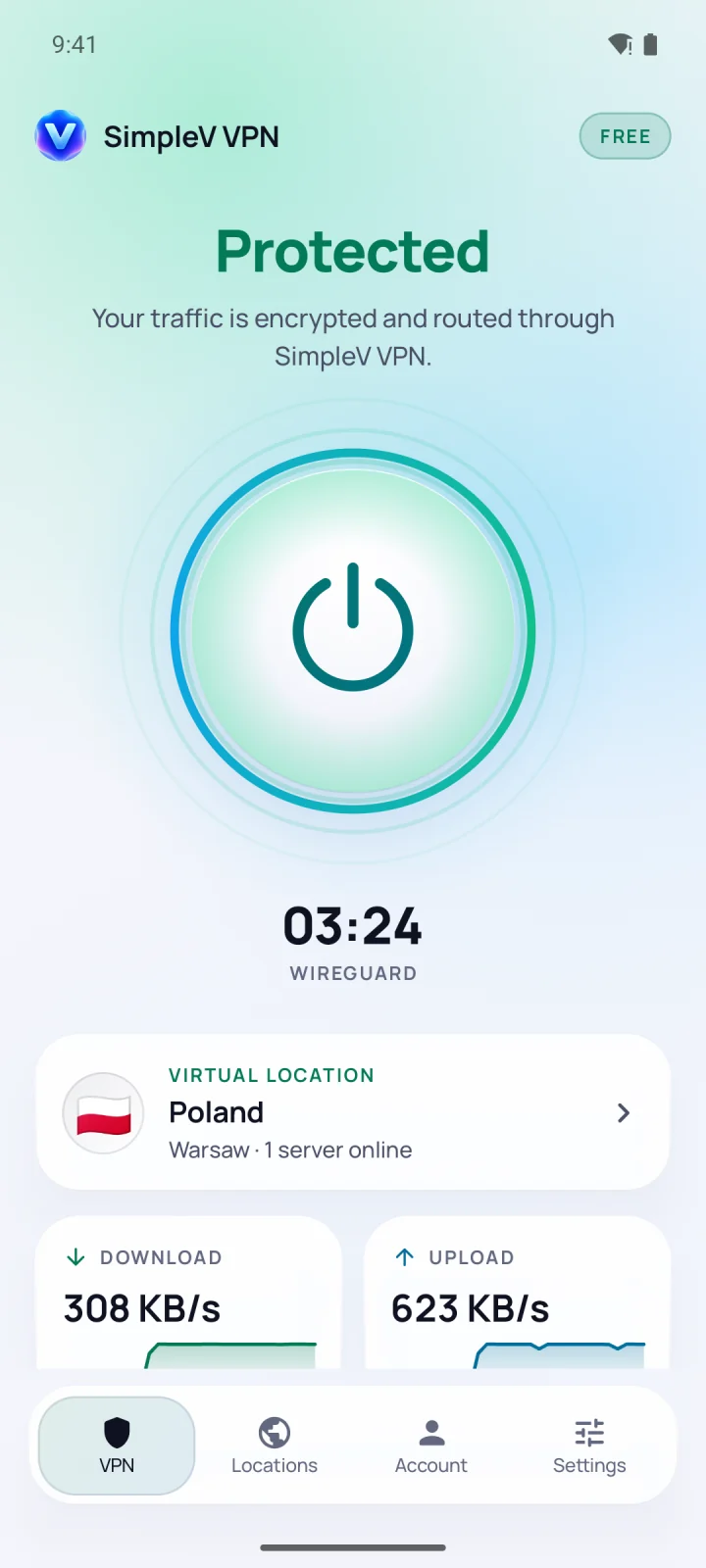
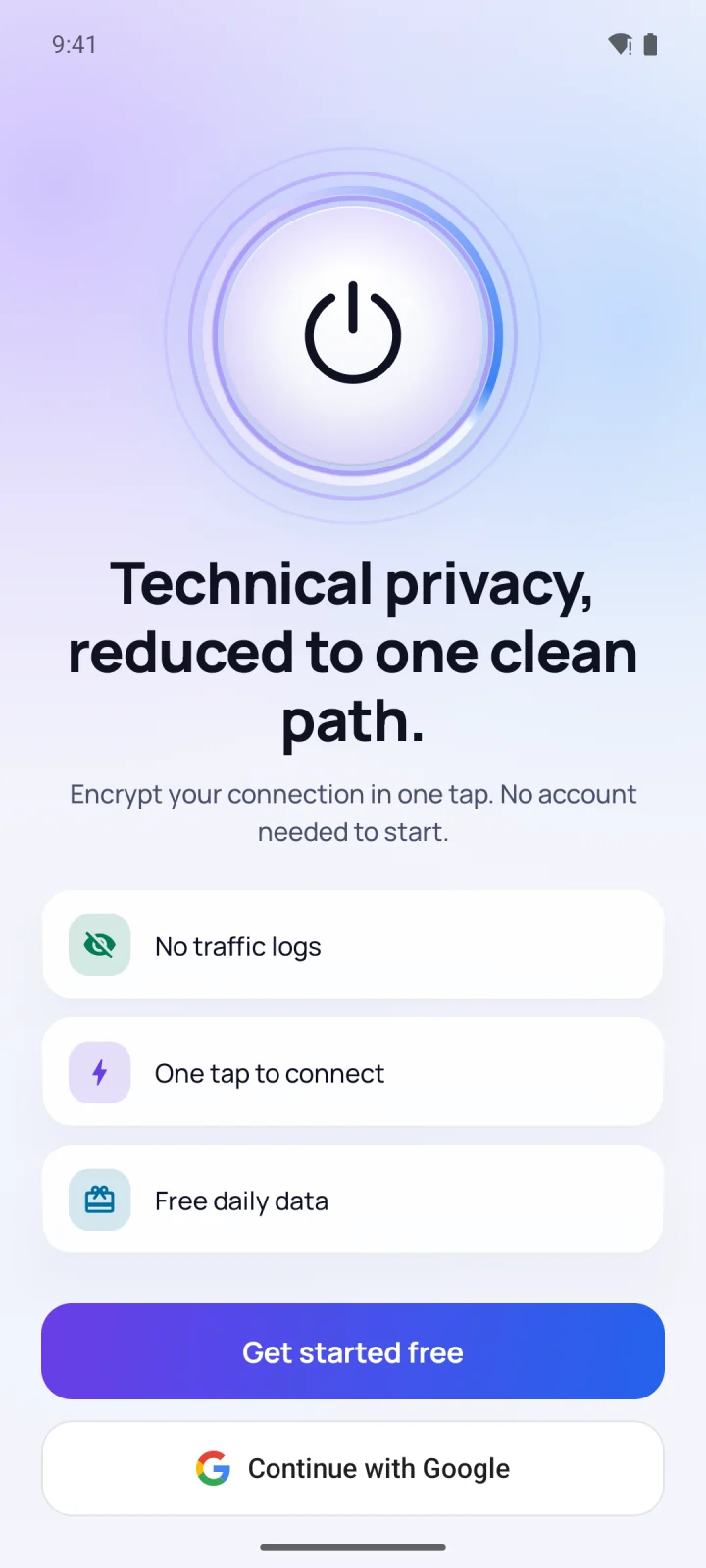
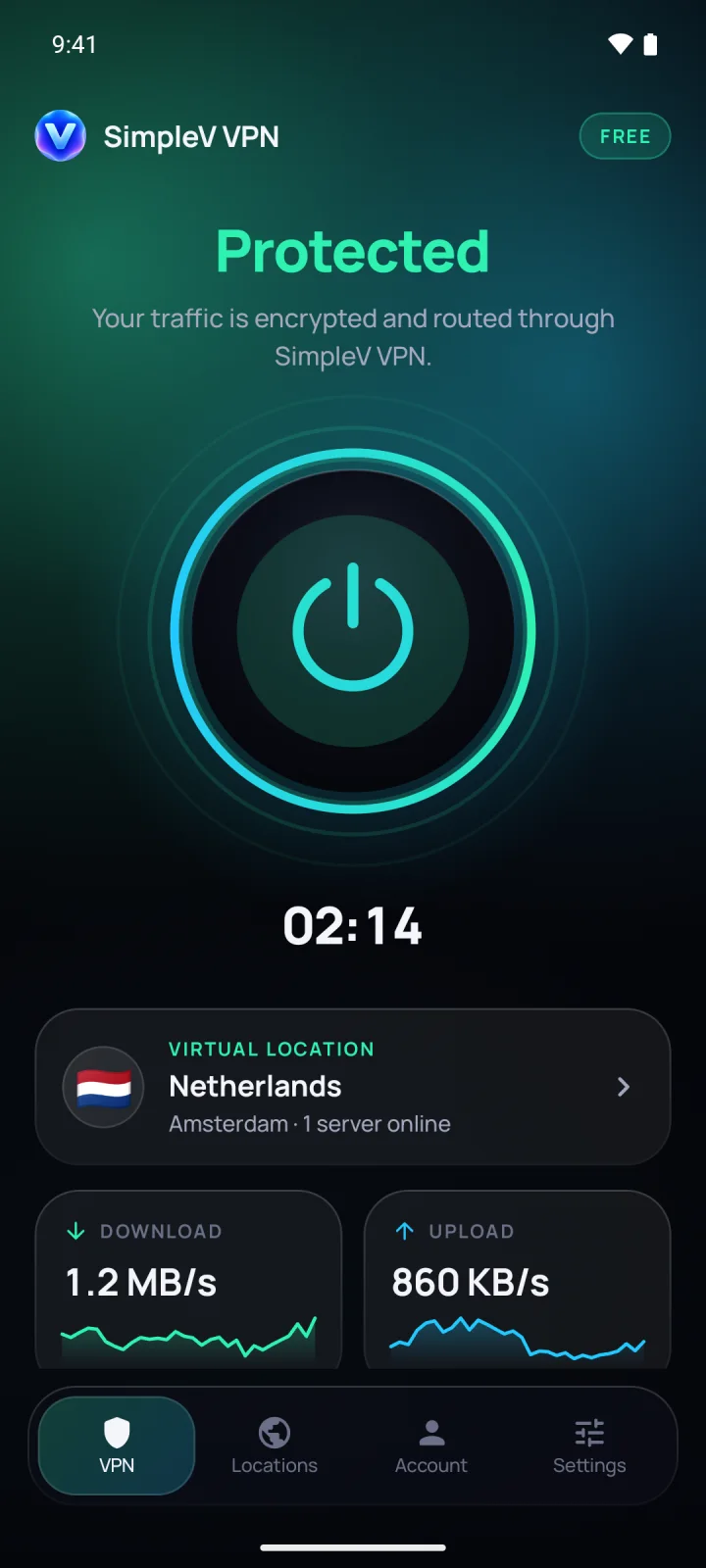
Open the app, press the button. Free mode starts right away, with no email and no password.
02
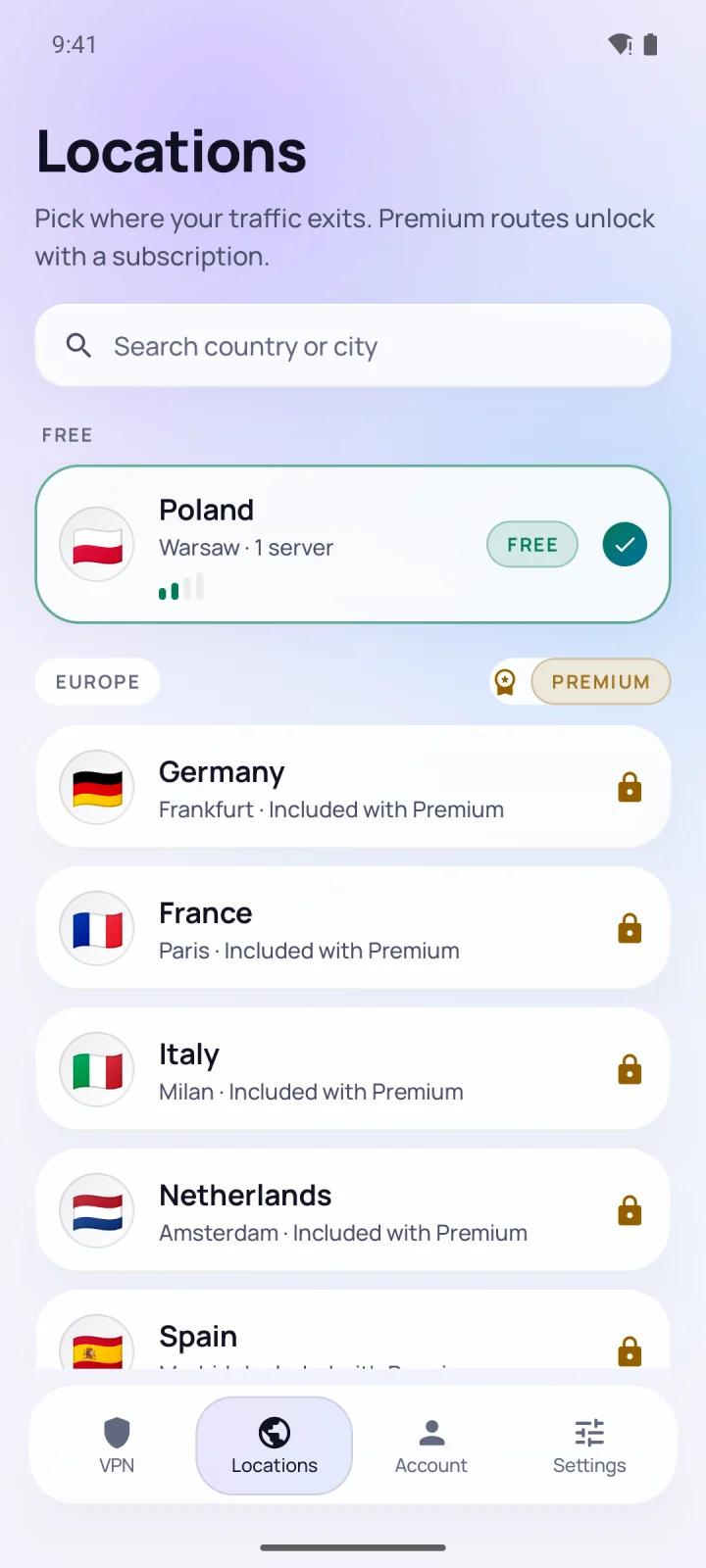
We pick the route.
Automatic mode chooses WireGuard for speed, or Reality when the network tries to block you.
03
You're protected.
Your traffic is encrypted and leaves the internet from the location you chose.
Not protectedConnecting…Protected
00:00
🇳🇱NetherlandsAmsterdam · WireGuard
Privacy you can check
We don't record the sites you visit, your DNS queries, or anything you do online. There is nothing to hand over, because nothing is written down. Delete your account and every byte tied to it, any time, right in the app.
Everything you need. Nothing you don't.
Small app.Serious engine.
09:41redacted
09:42redacted
09:44redacted
09:47redacted
0 records
No traffic logs.
Not the sites, not the DNS, not the timestamps. Crash reports are off by default and never include who you are.
WireGuardReality
Fast, and hard to block.
WireGuard when you want speed. Xray Reality, which looks like ordinary HTTPS, for restrictive Wi-Fi. Automatic mode picks for you.
↓ Download
864 KB/s
Live speed.
Download, upload and the data you have left, right on the home screen.
Refills every day
Free data, daily.
Your allowance refreshes every day. No trial clock, no card.
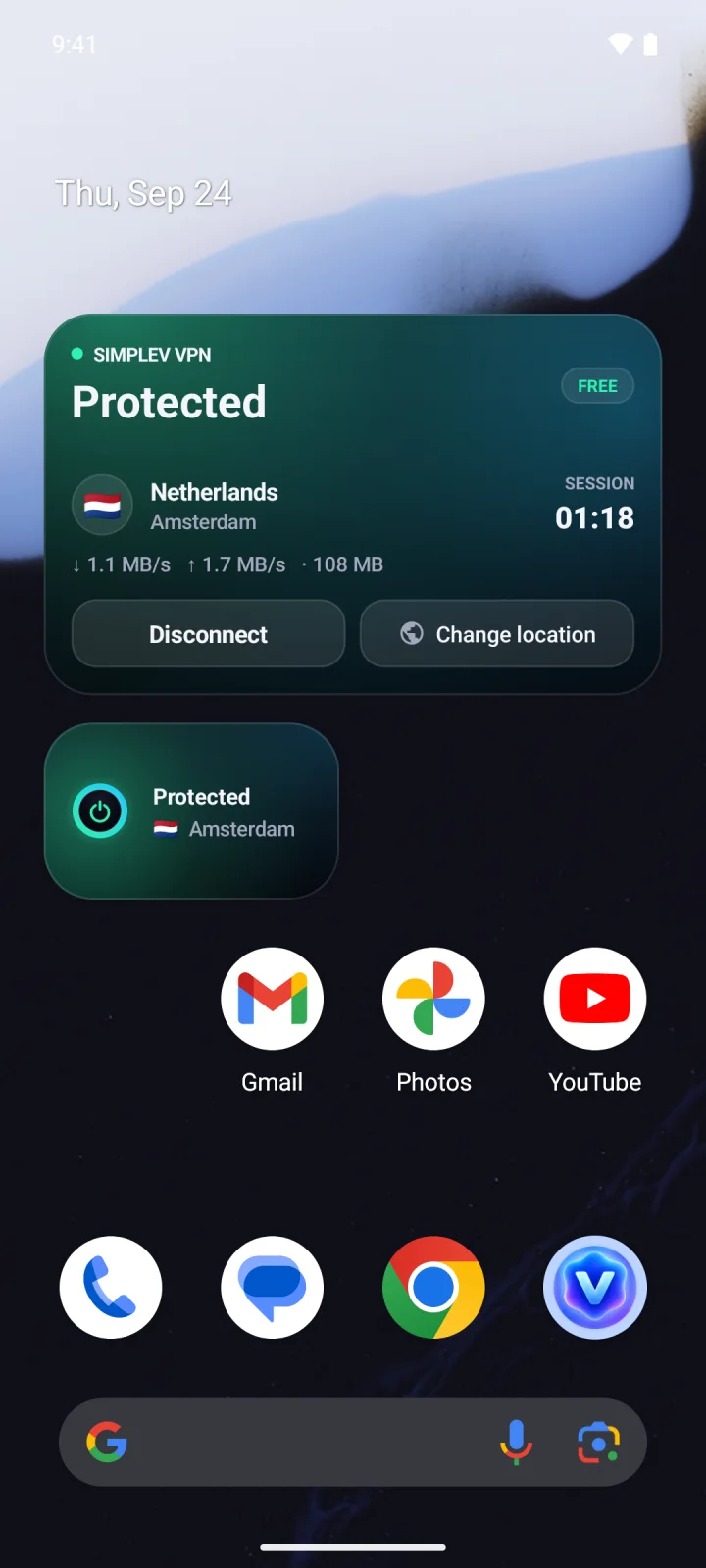
Protected🇳🇱 Amsterdam
SimpleVQuick Settings
Always within reach.
Home screen widgets, a Quick Settings tile and Android's Always-on VPN.
EU prices. Google Play shows the price for your country. Subscriptions renew until cancelled; cancel any time in Google Play.
Questions
Asked, answered.
Do I need an account?
No. Free mode starts the moment you open the app. You can sign in with Google or email later if you want Premium on several devices.
What exactly do you log?
We never record the sites you visit, your DNS queries or what you do online. We count how much data a device used today, because that is how the free allowance works, and nothing more.
What is Reality, and when do I need it?
Xray Reality wraps the tunnel so it looks like ordinary HTTPS. It gets through hotel, office and campus Wi-Fi that blocks regular VPNs. Automatic mode switches to it for you.
How many devices can I use?
Premium covers up to 5 devices on one subscription. Sign in with the same account on each of them.
How do I cancel or delete my data?
Cancel any time in Google Play → Subscriptions. Delete your account and everything tied to it from the Account screen in the app.